


Make the next step clear.
A job change can update its tasks, dates, and customer communication. The handoff stays on the job instead of getting lost in email.
Woodsystems is a cloud ERP for custom cabinetry, closets, commercial millwork, furniture, and cabinet stores. The office, shop floor, and field work from one job record on web, iOS, and Android.
Features that drive efficiency, productivity, and profitability
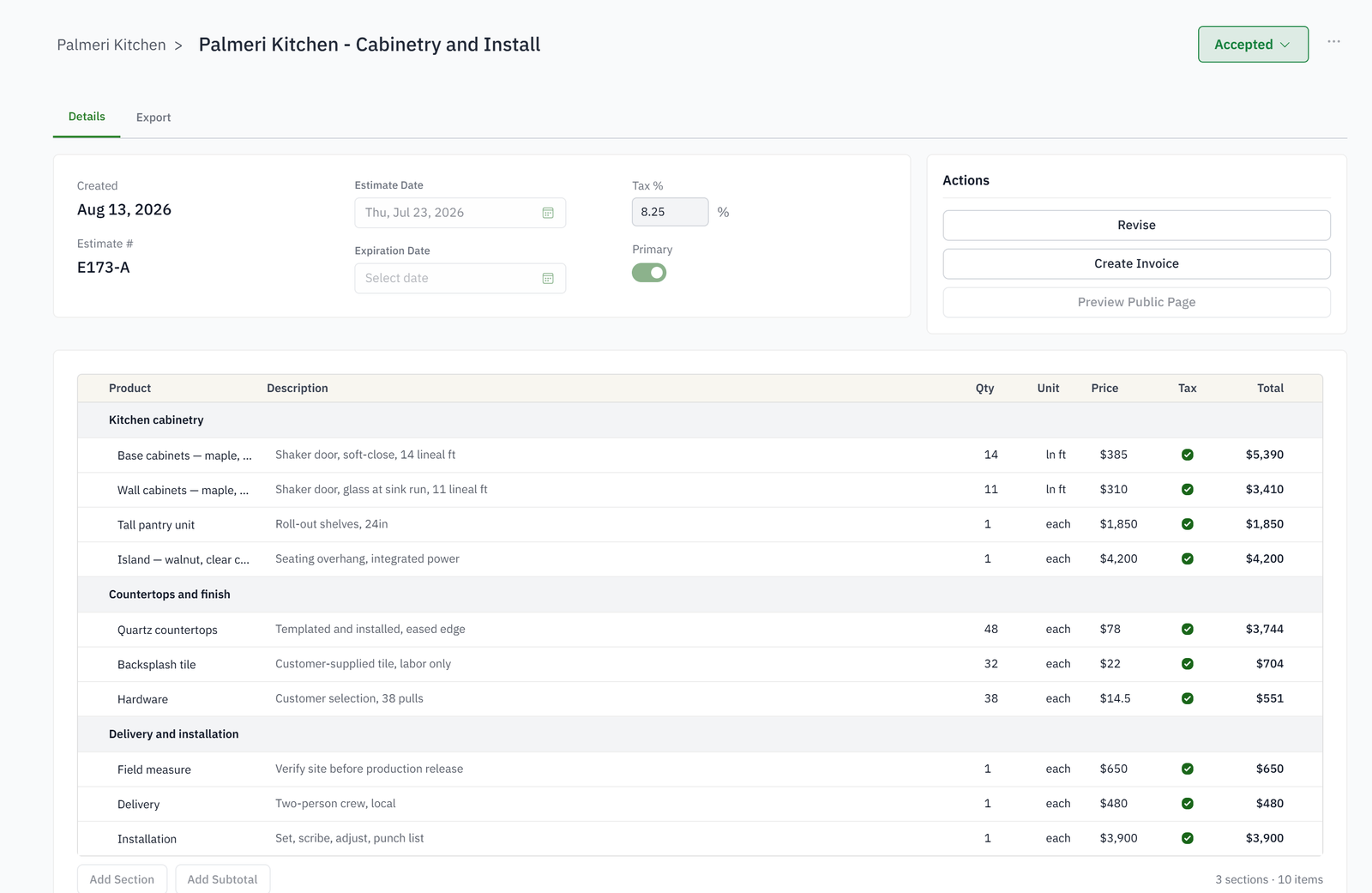
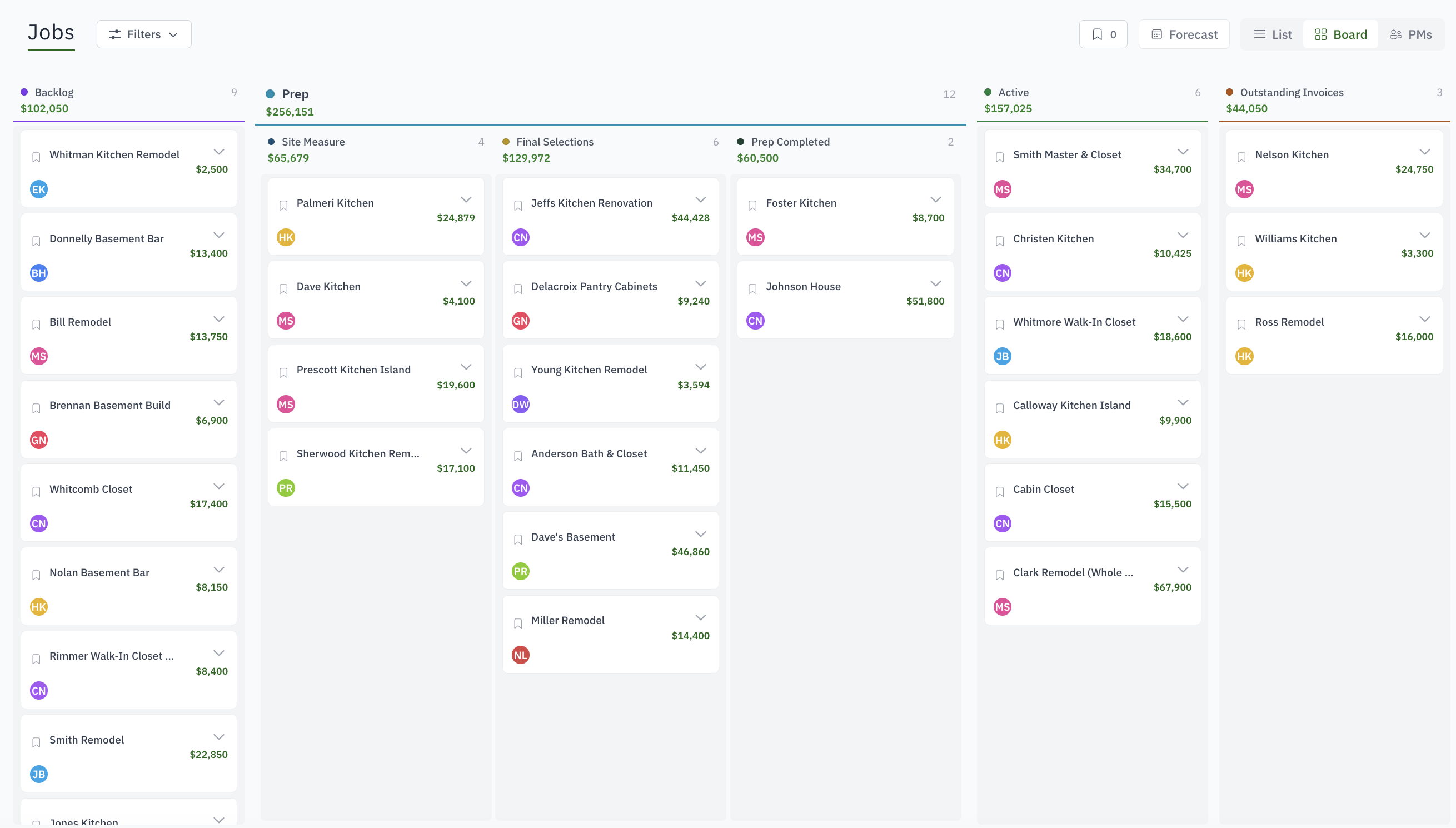
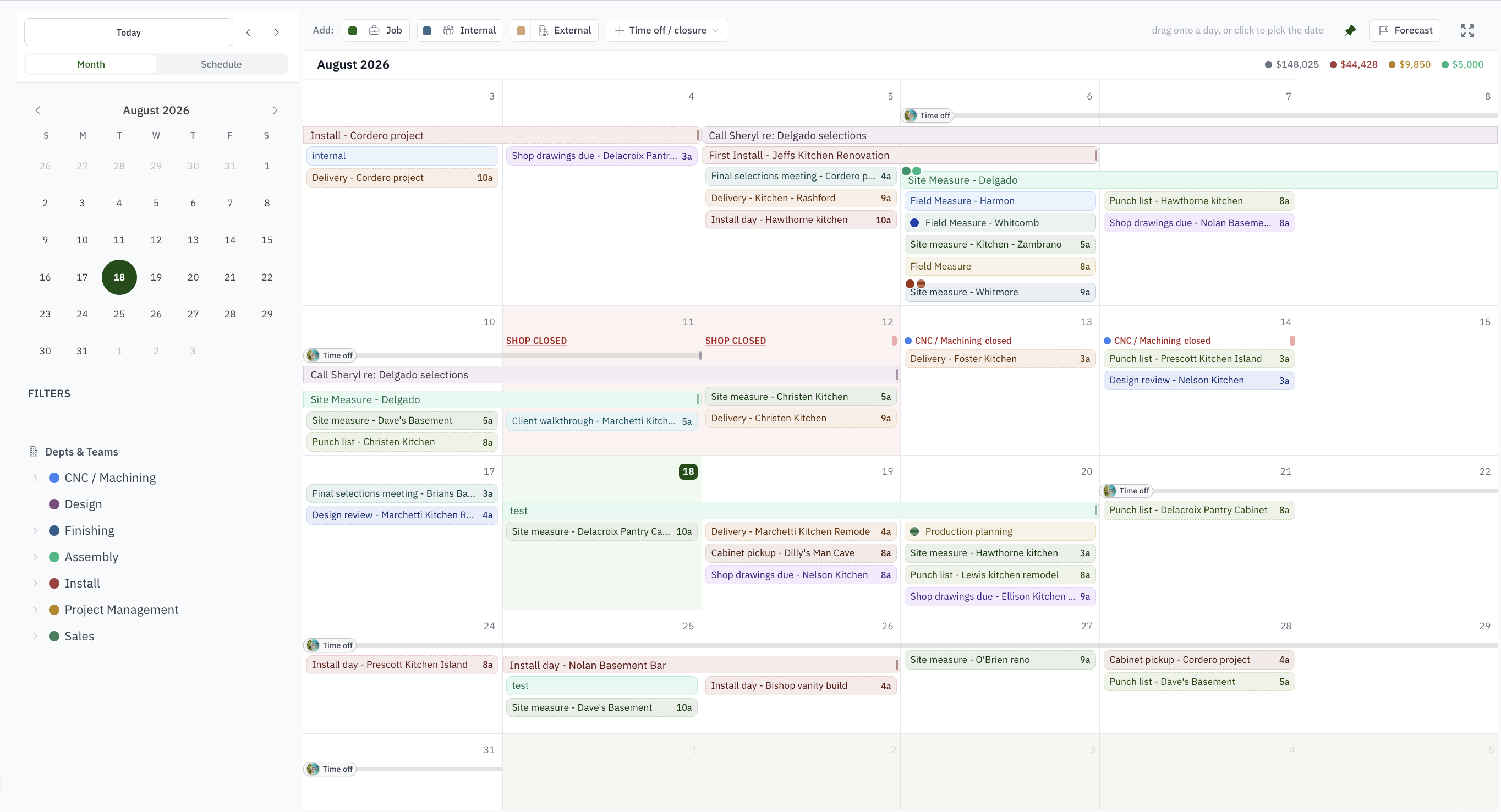
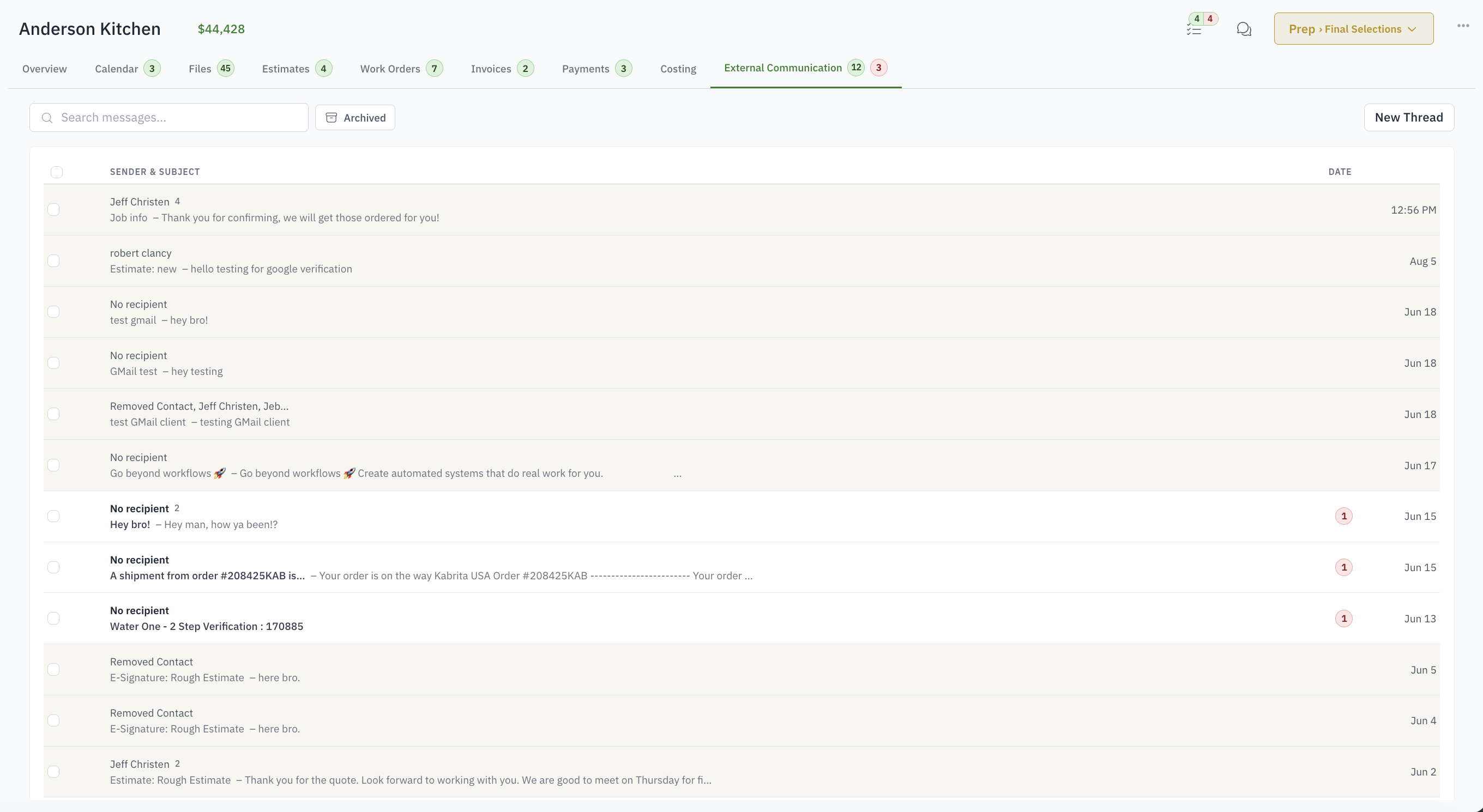
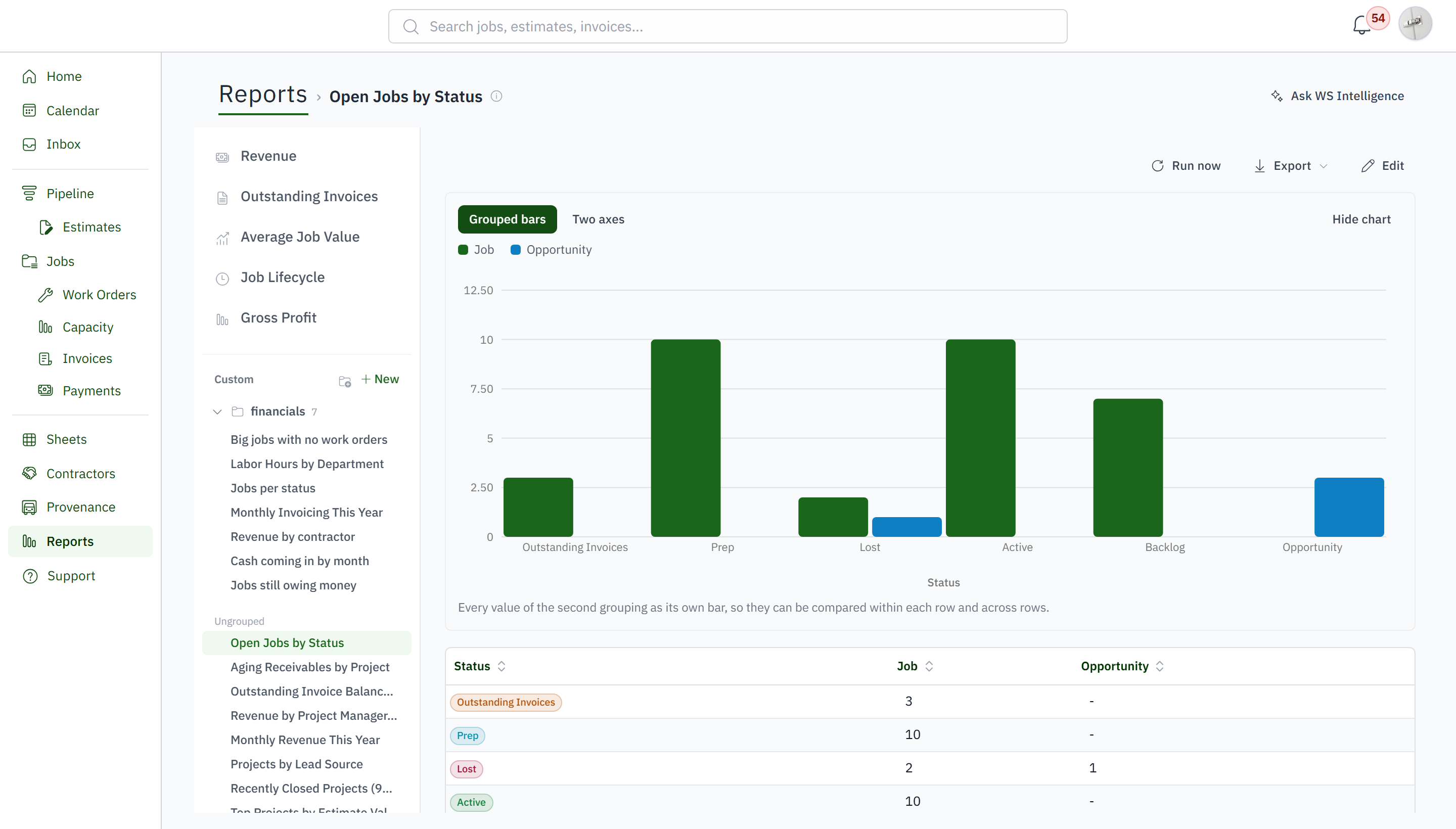
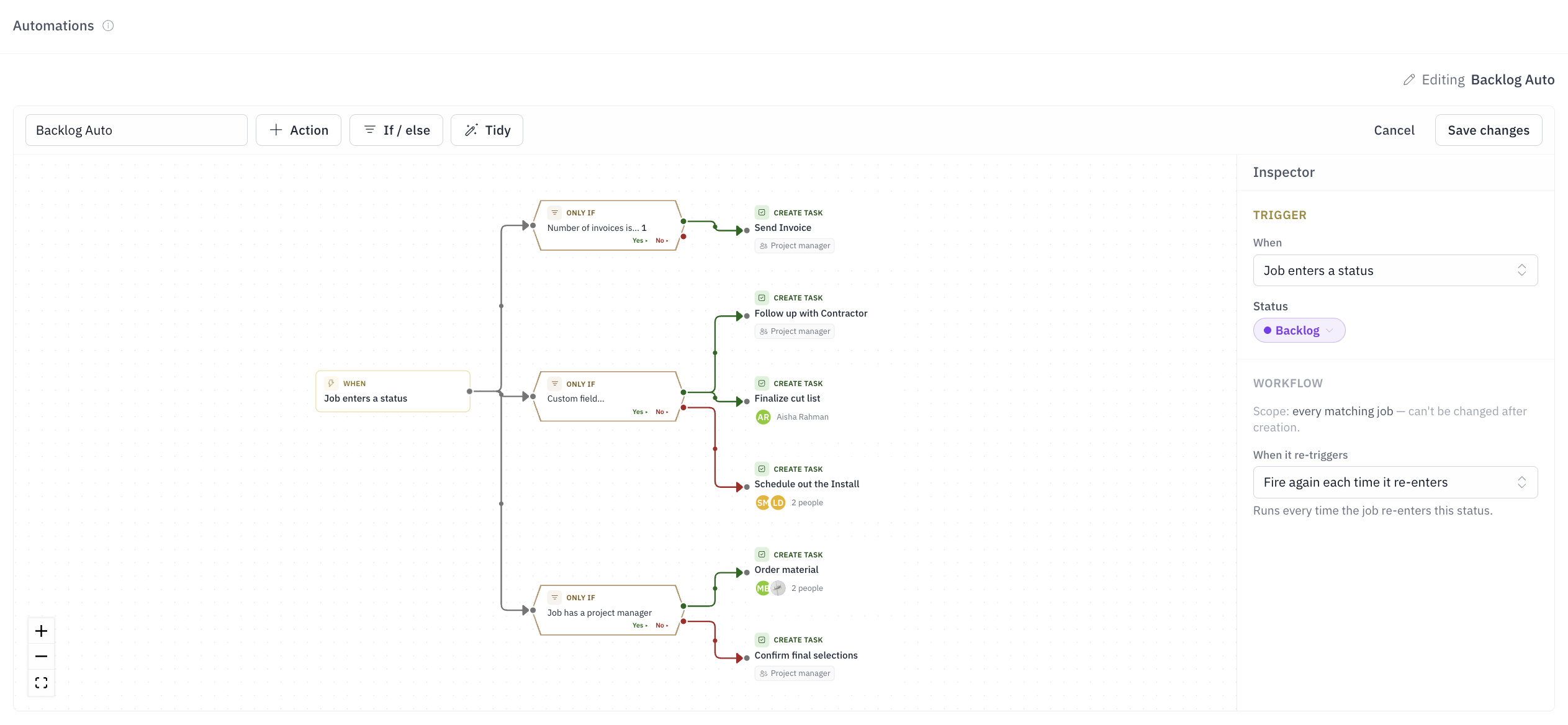
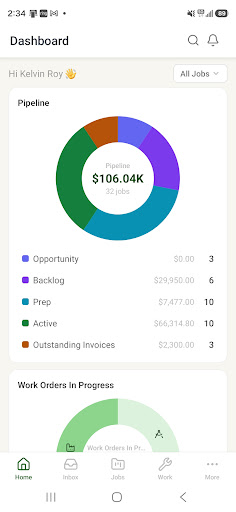
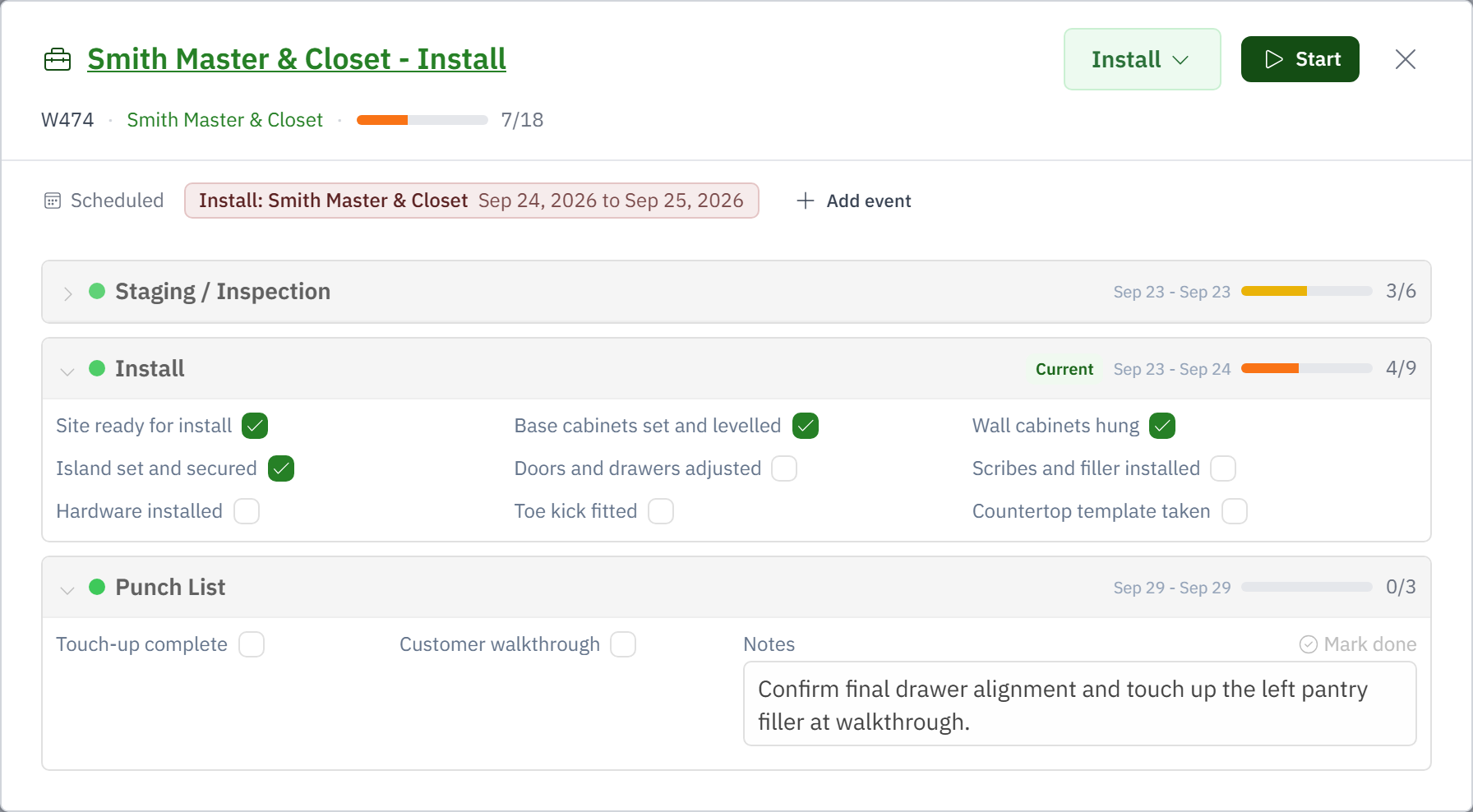
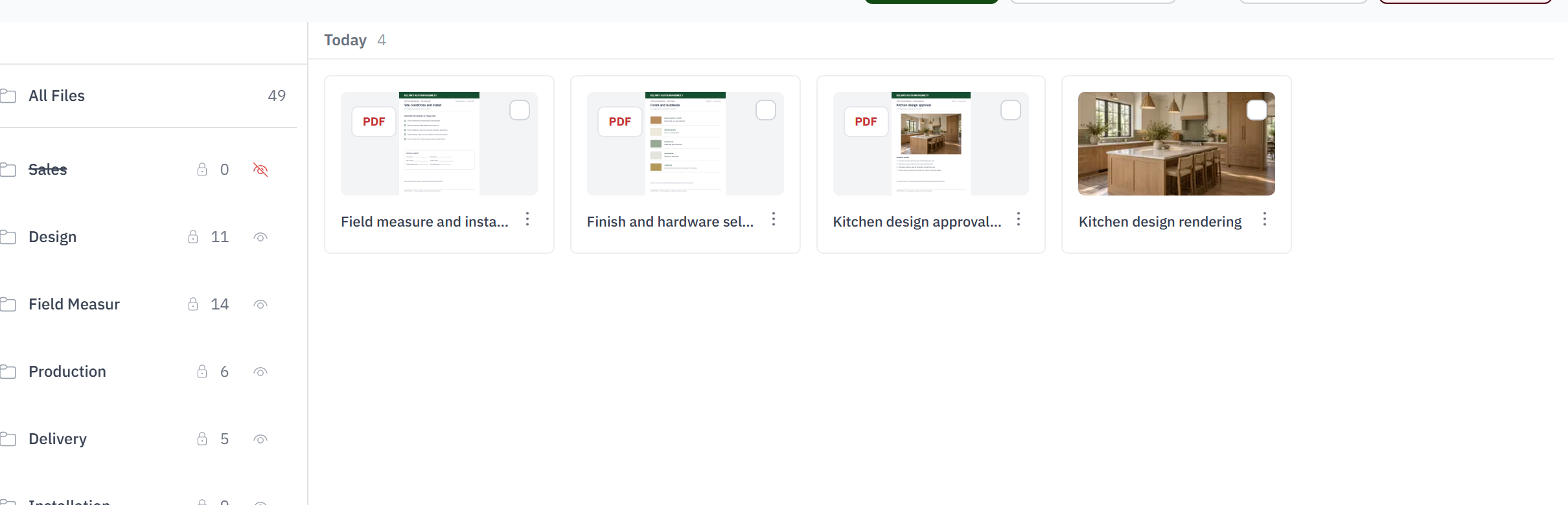
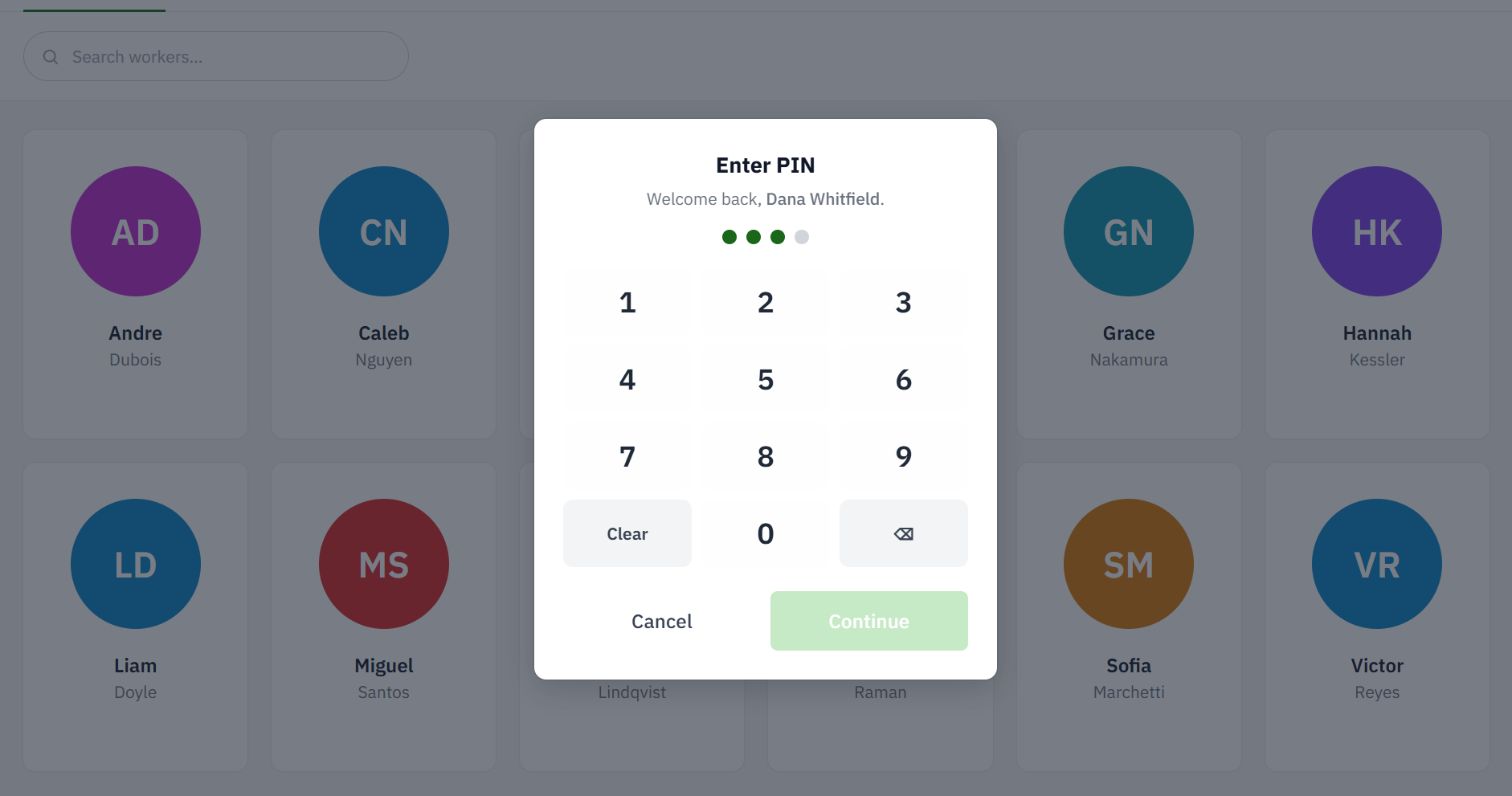
Woodsystems connects the office, shop floor, field, and financials so one update can move the whole job forward.
A job change can update its tasks, dates, and customer communication. The handoff stays on the job instead of getting lost in email.
See the work already on the production schedule and the hours still available for the week.
See quoted revenue, estimated cost, invoices, payments, and actual cost on the job where the work happened.
See how quoting, scheduling, approvals, installation, and job costs stay together.
“I can see the quoted margin against labor and material while the job is still open. That gives me time to fix a problem instead of explaining it later.”
 Jordan M. Kansas
 “When an install date moves, I reschedule the work once and the team sees it. I’m not calling the shop, the installer, and the office separately.”
 Casey B. Nebraska
 “The estimate, invoices, payments, and actual job costs all stay connected. I can answer “did we make money?” without rebuilding the job in a spreadsheet.”
 Taylor B. Colorado
 “Revisions used to get buried in email. Now the latest drawings and site photos live on the job, so the shop and installers are looking at the same information.”
 Morgan H. Oklahoma
 “The capacity view shows me where we’re overloaded before I promise a completion date. That alone makes scheduling conversations with customers a lot easier.”
 Riley C. Florida
 “I can open a job and see the work orders, due dates, files, and what each department has finished. Our production meetings are shorter because the status is already there.”
 Avery C. Kansas
 “Clocked hours land against the job and department they came from. I’m not waiting until payroll closes to find out production burned through the labor budget.”
 Cameron R. Nebraska
 “From the signed estimate through progress billing, the numbers carry forward. It saves time and keeps the customer, accounting, and our project manager on the same page.”
 Parker S. Florida
 “The current drawings, field notes, and install details are on the job when the crew needs them. It is easier to keep everyone working from the same information.”
 Drew L. Oregon
 Connect your email, file storage, accounting and payments so nothing is entered twice.


