
Capacity planning
See overloaded departments before dates become promises.
Find bottlenecks, explain results, and automate follow-up from the same live business data.
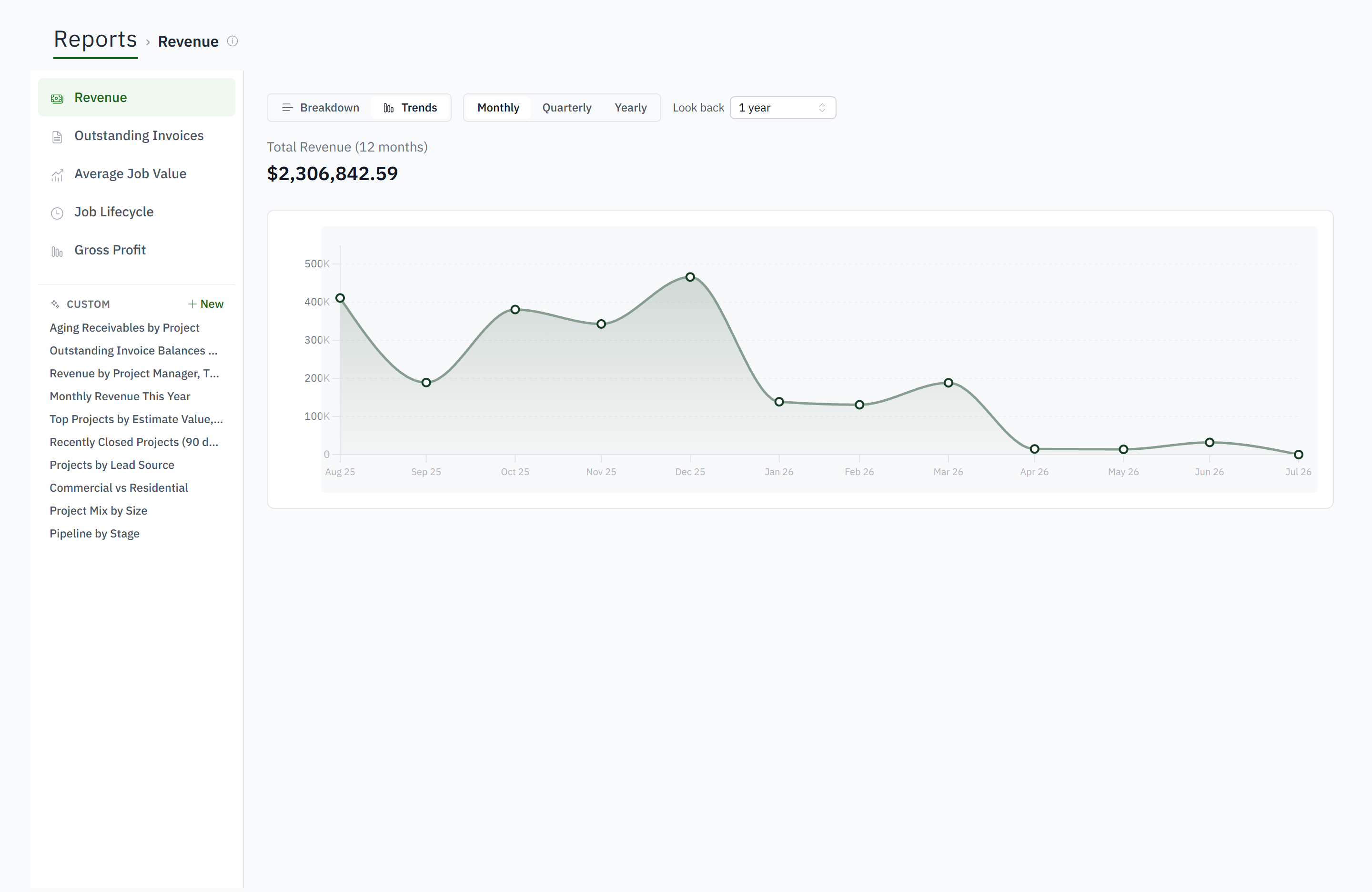
See overloaded departments before dates become promises.
Filter, group, calculate, and drill into the records behind a result.
Build editable operational views without another private spreadsheet.
Compare estimated and actual money, labor, hours, profit, and margin.
Trigger tasks, notifications, email, and work orders from job events.
Report on the shop-specific facts that drive your decisions.
The records used to run the work also feed the dashboards, sheets and reports, so a warning on the dashboard opens the job behind it.
Yes. Start from jobs, invoices, hours, work orders or materials, filter, group, calculate, and open the records behind any total.
It measures supply from clocked hours and demand from the week board, then names the department the shop is waiting on while there is still time to move work.
Create tasks, send notifications and email, raise the next scheduled invoice and create work orders when a job reaches a status or a step finishes, with the history on the job's activity feed.
Yes. The costing tab compares the estimate's material, hours and margin with actual purchases and clocked labor at loaded rates, and the report builder does it across jobs.