
Cloud access
Open the current business from any authorized device.
Stay close to the work, the team, and the customer from the office, shop floor, or field.
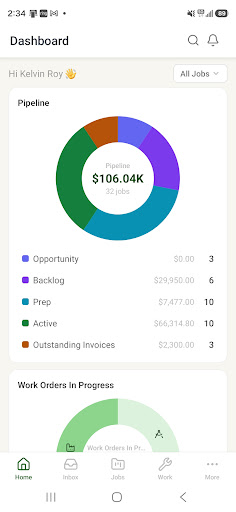
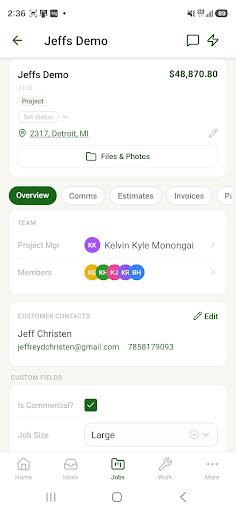
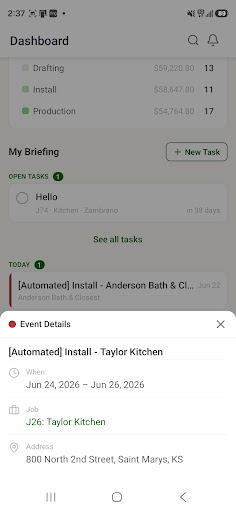
Open the current business from any authorized device.
See progress, assignments, notes, and changes as they happen.
Send and receive job-linked email with the full history nearby.
Work with jobs, tasks, files, photos, reports, and forms in the field.
Give workers a focused shared screen for work and time.
Capture photos, add markup, write notes, and update install work.
The dashboards, the board, any job with its email, files, invoices and hours, and every report, on the web or in the native app.
Open the install work order, work its steps and checklist, capture and mark up photos, add notes and log hours. The office sees it as it happens.
Every send and every reply is on the job. A handoff between project managers means opening the job, not forwarding months of mail.
No. It is a focused screen for one department: the worker's time and tasks, the released work, a scan box. No office screens, no prices.
Yes. Photos are taken from the job in the app, marked up with arrows and text, and filed to the job's folders, not to a camera roll.