
Custom statuses
Match the board to the stages your company actually uses.
Replace status meetings and memory with clear ownership, current work, and a complete job history.
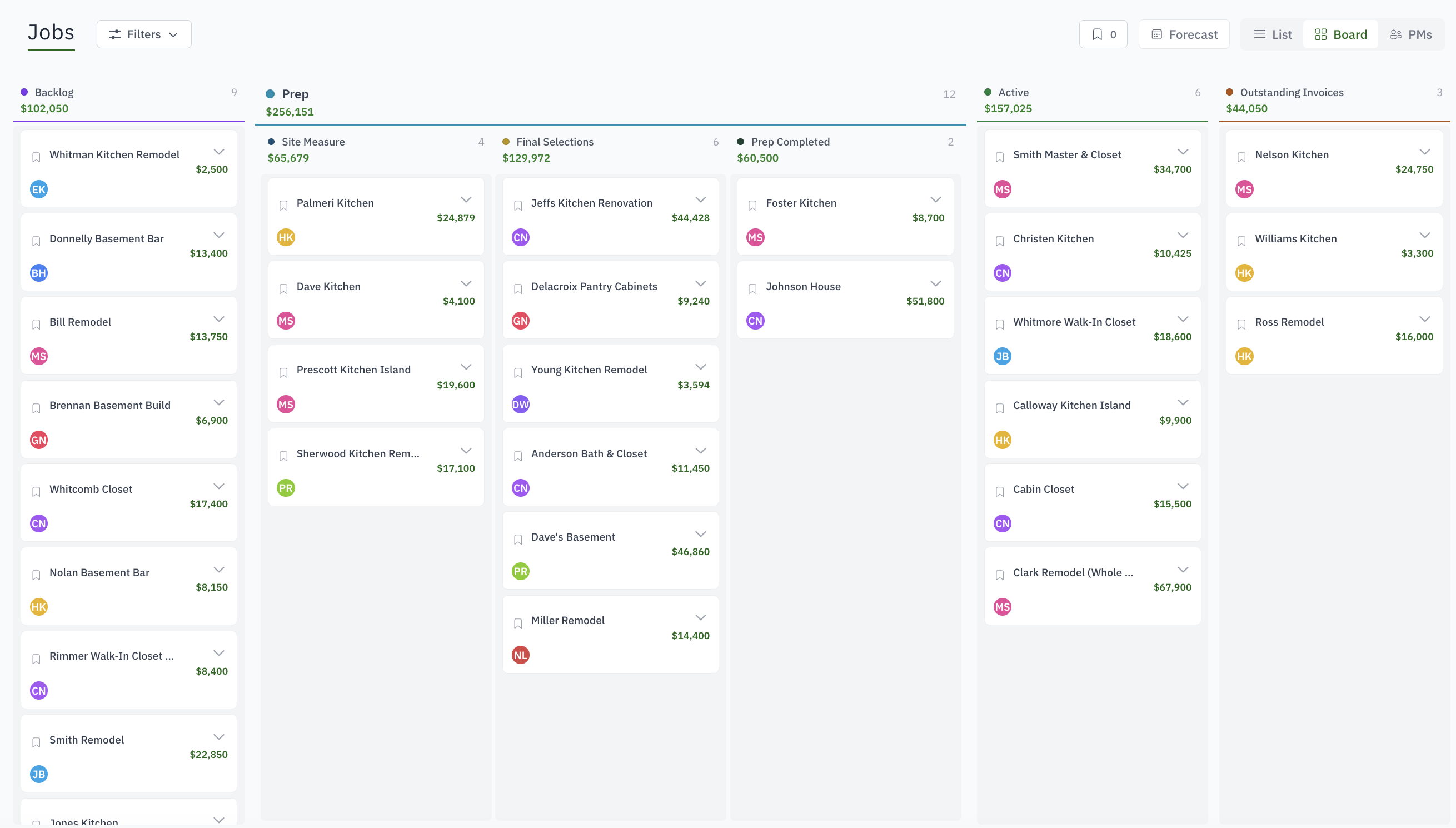
Match the board to the stages your company actually uses.
Turn sold work into assigned production and installation work.
Give every next action a person and due date.
Track the facts your team needs without another spreadsheet.
See changes, communication, progress, and decisions in context.
Keep the right drawing and supporting documents on the job.
Yes. Statuses and sub-statuses in your names and colours, on a board that shows every job as a card in its column.
The build, delivery or install as a ticket the shop can run: steps from a template, a checklist, dates, people and hours, with no prices on it.
Custom fields for facts such as species, finish and site conditions, and job forms for surveys and checklists that repeat per room.
The dashboard briefing shows each person their tasks, events and overdue work; the board shows jobs aging in a status; the Floor view shows what the shop is on right now.
A project manager and a member list per job, separate from company-wide roles, so the right people see the right jobs.