
Step 1
Quote it
Section-based estimates from your own catalog, with revisions kept and a link the customer can accept and sign.
Run the whole shop from one system instead of a quoting spreadsheet, a whiteboard, a photo app and the accounting package.
Why it matters
For owners of custom wood shops who want the office and the floor on the same page without hiring someone to run the software.
Quotes are built in a spreadsheet nobody else can read.
The schedule is a whiteboard, and the phone rings when it changes.
Hours go on paper timecards and never reach the job.
Jobsite photos live on the installer's phone.
How it works
Step 1
Section-based estimates from your own catalog, with revisions kept and a link the customer can accept and sign.
Step 2
Release the job, and the work orders appear on the shop tablet with their steps, drawings and a place to clock time.
Step 3
Installers open the work order on their phone, tick the checklist, mark up photos and log hours from the site.
Step 4
Deposits and progress invoices come from the estimate, customers pay online, and the job shows its margin as it goes.
Questions buyers ask
It runs the business side of a custom wood shop on one record: quotes, jobs, work orders, shop-floor time, scheduling, files, customer email, invoices, payments and job costing.
No. Every shop starts with the same core and adds capabilities such as capacity planning, reports or inventory only when the setup includes them.
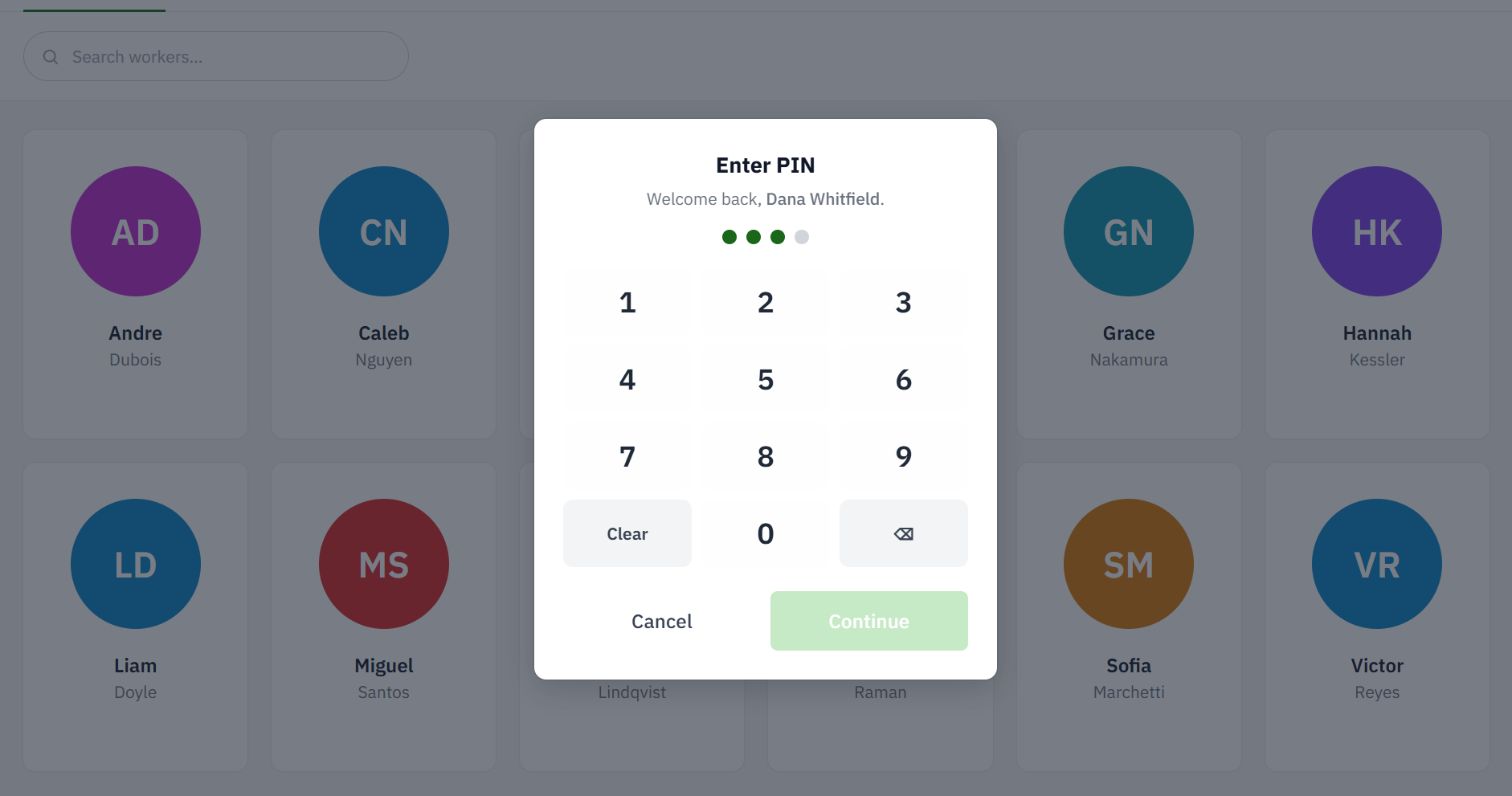
Yes. A shared tablet with PIN or badge sign-in shows each department its released work, and workers finish steps and clock time on it.
Yes. Customers, estimates, invoices, payments and hours sync with QuickBooks Online every night, and QuickBooks stays the ledger.
Yes. Most shops go live on quoting, jobs and invoicing first, then bring the shop tablet and scheduling on once the office is settled.
For a wood shop, yes. Woodsystems covers what a shop needs from an ERP without the enterprise programme that usually comes with the word.
See it in action