
Open the job in Woodsystems Native
Start from the customer, job, or work order so every image has the right project context before the camera opens.
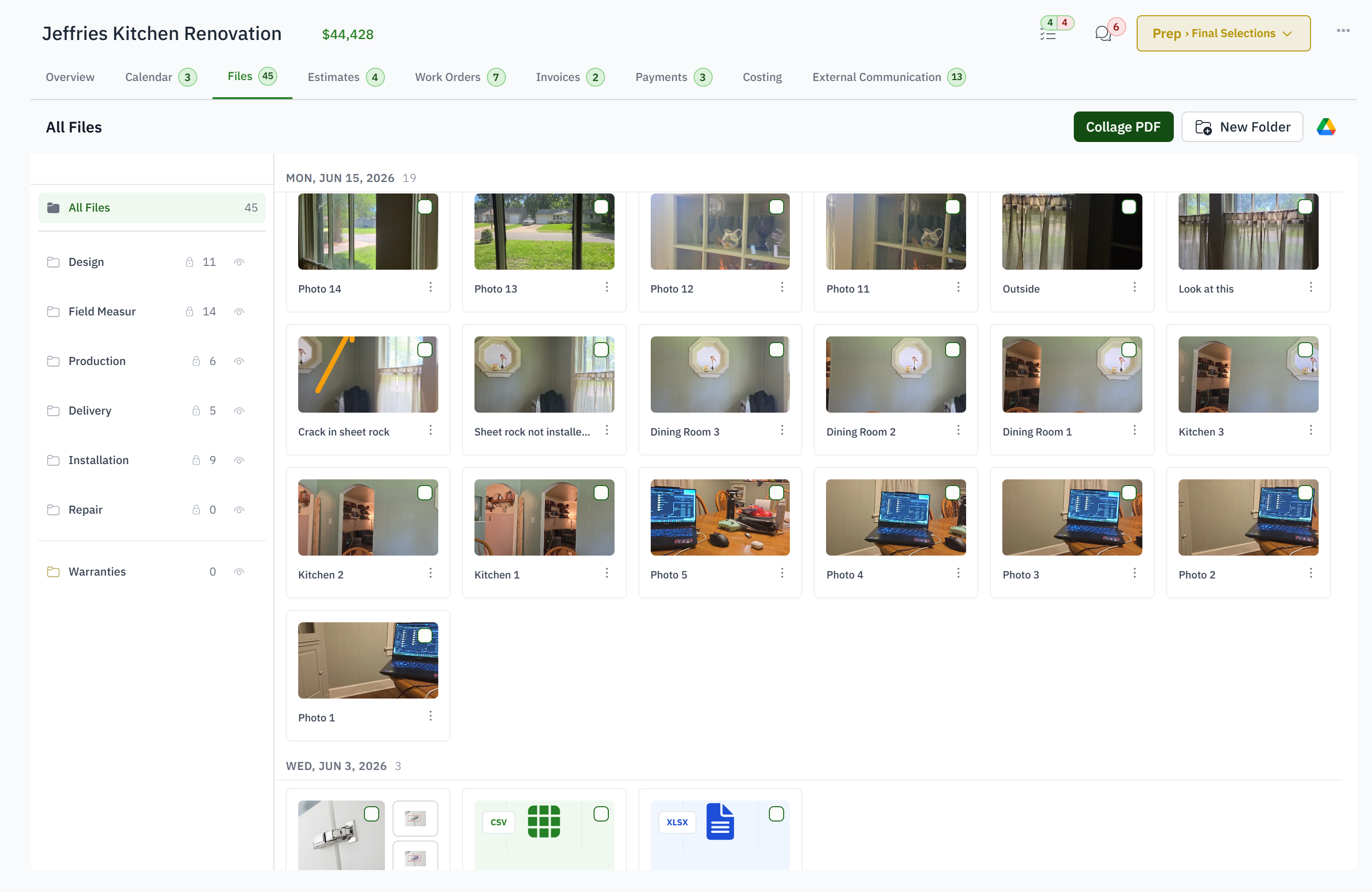
Take, mark up, and file jobsite photos on the job instead of maintaining a second photo system.
For cabinet installers and PMs evaluating a CompanyCam alternative for job documentation.
Field photos are stored under a project in one app while the schedule, work order, and customer record live in another.
Teams switch tools just to explain a site condition that belongs on the active job.
Unmarked camera-roll images require a phone call to explain which wall, edge, or obstruction matters.
Personal photos are uploaded late, inconsistently named, or never filed at all.
A marked-up image beside the job and work order tells the office what happened, where it happened, and what must change.
Start from the customer, job, or work order so every image has the right project context before the camera opens.
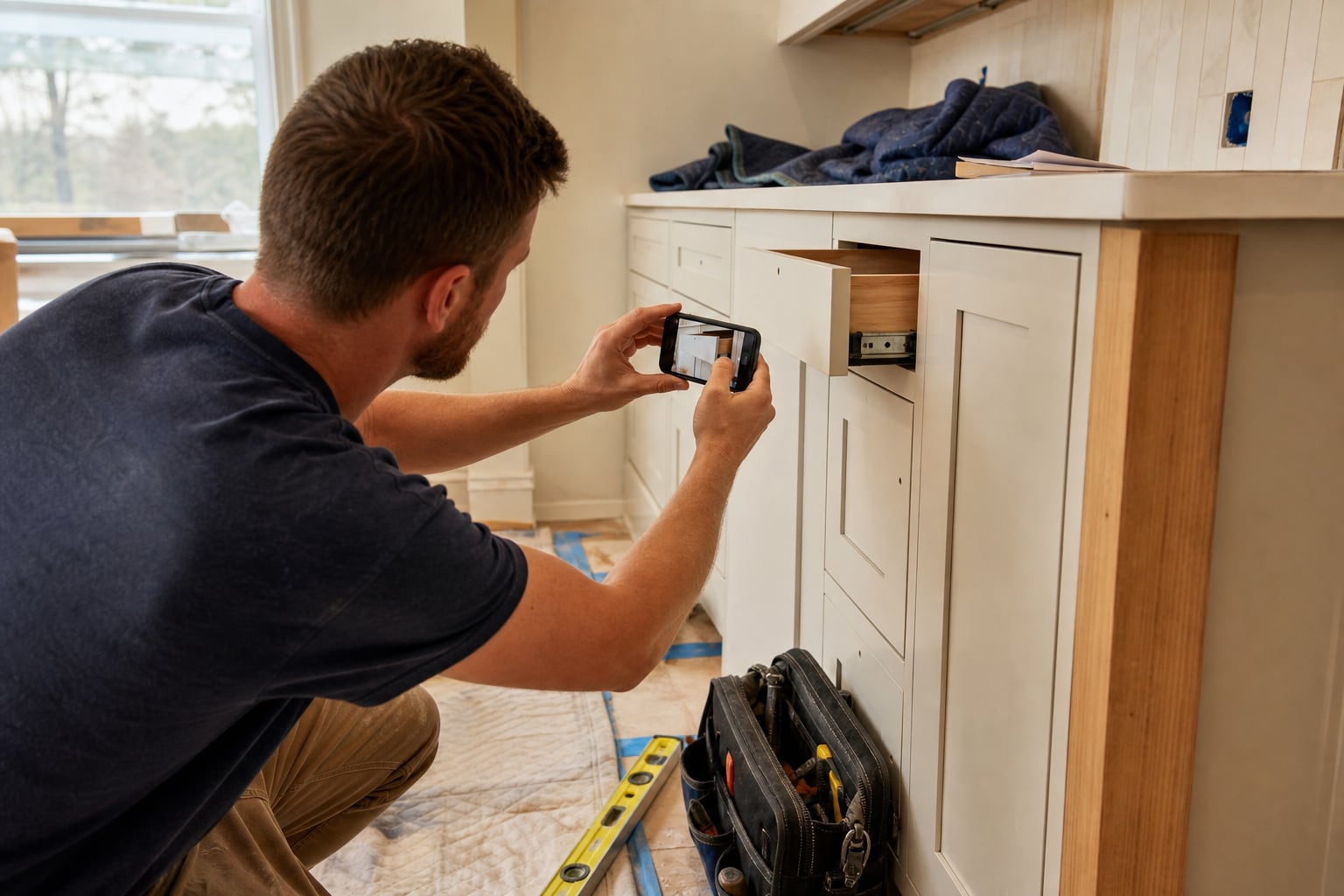
Capture one photo or a site-wide burst from the field instead of taking pictures now and sorting the camera roll later.
Draw arrows, shapes, and text directly over an image and add a caption to make a field condition or instruction unambiguous.
Upload the documented image to the job beside drawings, estimates, work orders, notes, and the rest of the permanent record.
From the job or the work order in the native app, one at a time or as a burst, so every picture already knows which job it belongs to.
Yes. Arrows, shapes and text on the image, plus a caption. The original is kept next to the marked-up copy.
Into the job's files, in the folder you choose. If the job's files sync to Google Drive, OneDrive or Dropbox, they go there too.
Yes. The photo is on the job as soon as it uploads, and it shows in the job's activity feed.
Only if you attach them to an email or a document. Customer links show the documents you send, not the job's files.
Yes. Capture, bursts, markup and filing happen on the job that also carries the drawings, the work order and the invoice, and they are included for every shop at no extra charge. The comparison page sets out the differences.