
Share securely
Send the document link to the appropriate job contact.
Give the customer one current document and keep the approval on the job.
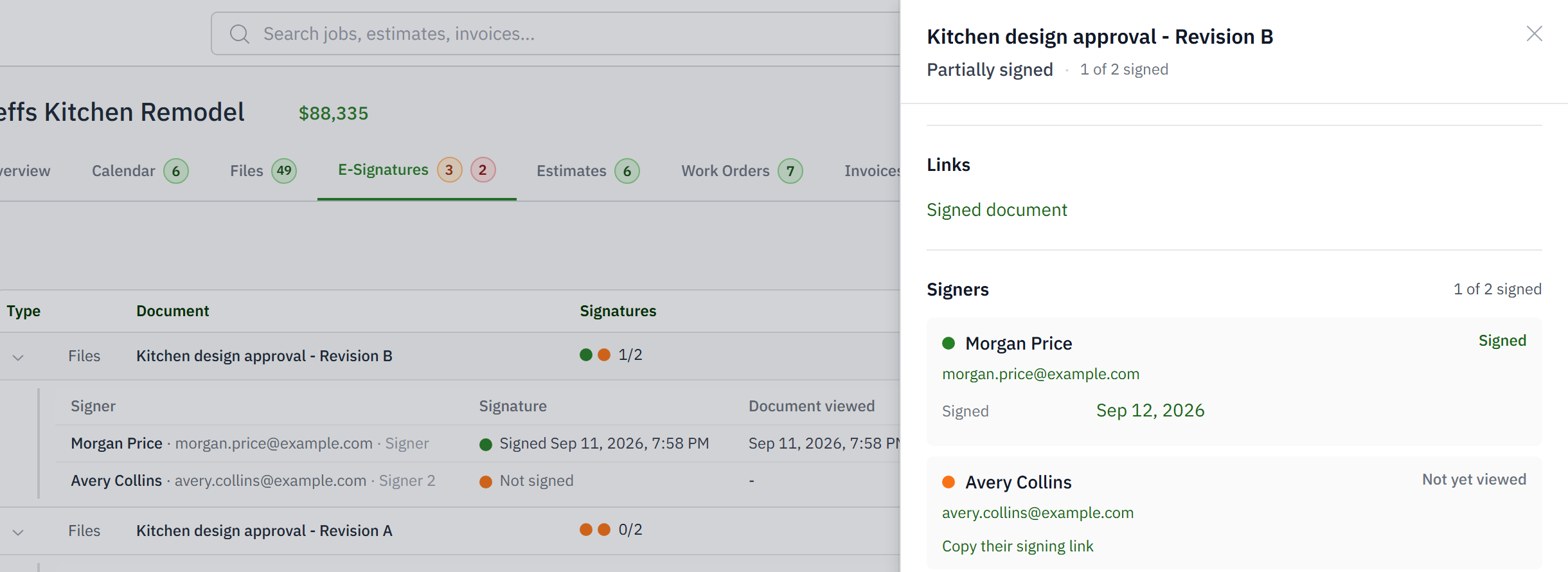
For estimators and PMs who need a clean approval trail without a customer login.
Old PDF versions remain in customer inboxes.
Acceptance is buried in an email reply.
Signed documents become detached files.
Payment requires a separate handoff.
Send the document link to the appropriate job contact.
The customer sees the estimate or invoice intended for them without office-only information.
Capture the acceptance identity and time, then request an e-signature when the process requires one.
The accepted status and signed document remain connected to the job.
No. Each estimate, invoice or signing page is a link made for that send. Open, review, accept, sign, pay.
No. Acceptance records who agreed and when. A signature adds a signed document and its audit trail when your process needs one.
Yes. A signature packet holds one or more documents and one or more signers. Each signer gets their own link and email thread, and the packet completes when everyone has signed.
On the job, with the audit trail of who signed and when. It goes out to the signers as well.
Yes. Any customer link can be revoked, and a revoked link shows a dead page rather than the document.
Yes. When the estimate carries a deposit, or the invoice has a balance, the payment options are on the page they just accepted.