
Choose the estimate
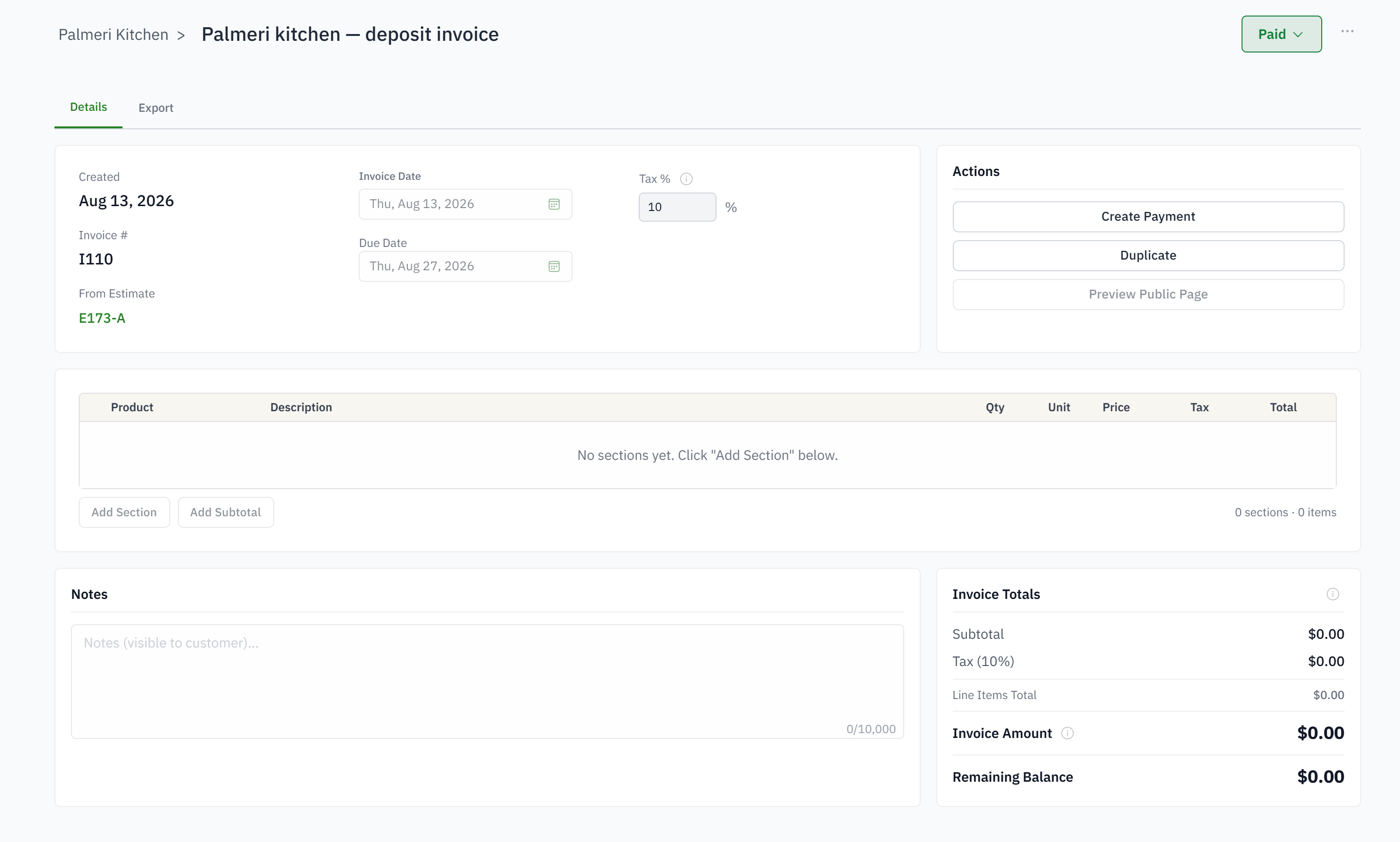
Start the invoice from the accepted estimate and its current revision chain.
Carry approved scope into billing, preserve the math across revisions, and let the office see exactly what remains to invoice and collect.
For owners, PMs, and office teams re-keying accepted proposals into billing.
Accepted line items are rebuilt by hand.
Deposits are difficult to reconcile after a revision.
Project managers cannot see billed versus remaining value.
The invoice and operational job tell different stories.
Start the invoice from the accepted estimate and its current revision chain.
Create the appropriate deposit, partial, progress, or final amount without losing the original scope.
Preview and email the invoice from the job using the customer and company information already stored.
Payments update amount paid and amount due while the invoice remains connected to the job.
Yes. The invoice carries the accepted revision's lines; nothing is typed again.
A payment schedule on the estimate raises each invoice at its milestone: acceptance, a status, a number of days, or when you press Bill now.
Yes. A company setting adds the card or bank fee as its own line on the invoice and the payment link, and it can be switched off.
Invoices and payments sync to QuickBooks Online, with the customer linked rather than duplicated.
A link to the current invoice, with your company's layout and signature options set once for every document type, and a PDF if they want one.
On the invoice and on the job. Every payment, refund and credit updates paid and due the moment it is recorded.