
Connect the mailbox
Use the supported company or personal mailbox connection and the sender's configured signature.
Keep the customer conversation readable when the job changes hands.
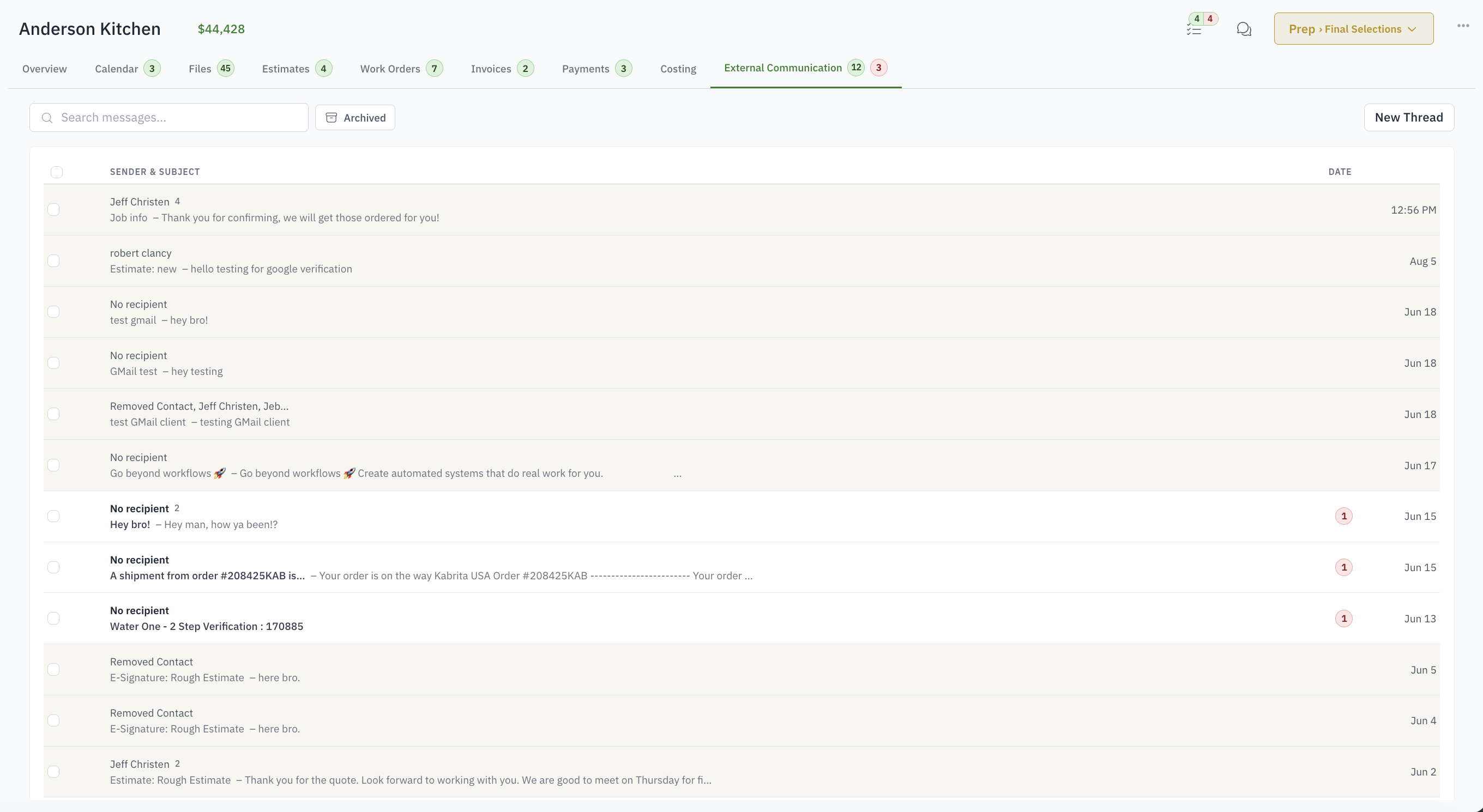
For project managers whose job history is trapped in personal inboxes.
Customer decisions are visible to only one employee.
Replies lose their job context.
Attachments are saved separately from the conversation.
A handoff requires forwarding months of email.
Use the supported company or personal mailbox connection and the sender's configured signature.
Choose job contacts, include attachments, and send without recreating addresses and context.
Replies return to the conversation and remain associated with the job.
Authorized teammates can read the customer history even after responsibilities change.
Yes. Connect Gmail or Microsoft 365 and mail goes out from your address and lands in your Sent folder. Without a connection, mail goes from a shared Woodsystems address and replies still come back to the job.
Yes. A customer's reply lands in the same thread on the job, whichever address it was sent to.
Yes. Opens and link clicks are shown on the message.
Mail in a connected inbox is filed to the matching job automatically when the match is certain. Anything uncertain waits in your personal inbox for a decision.
Yes. Documents are sent from the job with the customer link, and the send is recorded on the document.
Anyone with access to the job. Production users cannot; they never see the office side.