
Send the invoice
Share the customer-facing invoice page from the job.
Let the customer pay from the invoice link and return the payment to the job.
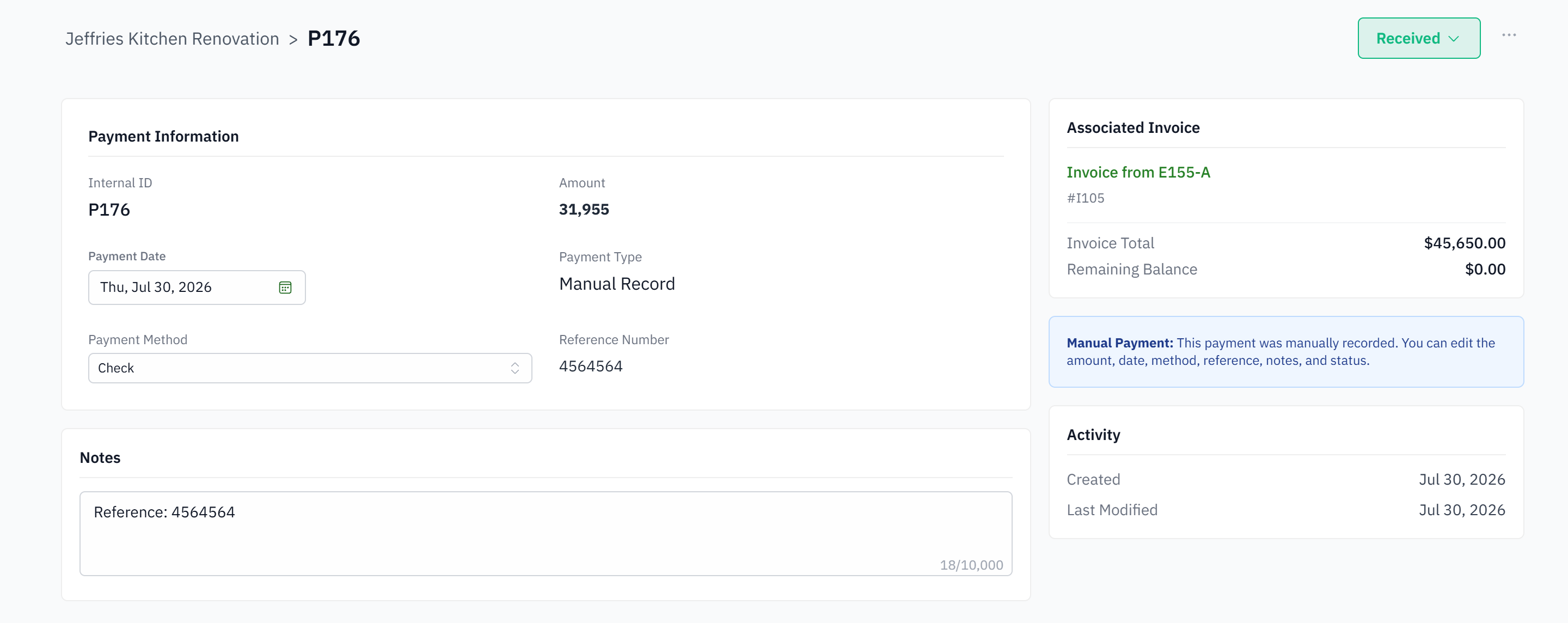
For owners and office teams that need payment status beside project billing.
Customers receive an invoice and separate instructions for paying it.
Payment status is checked in another portal.
The office manually applies transactions back to invoices.
Project teams cannot see whether the billed amount was collected.
Share the customer-facing invoice page from the job.
The customer uses an available card or bank option on the secure payment flow.
A successful transaction creates the connected payment record instead of waiting for re-entry.
The applied payment changes paid and due amounts on the invoice.
Card or bank transfer, from the invoice link or from a payment link sent on its own.
To the bank account you connect when payments are set up. Payouts follow the card processor's schedule.
Yes. A refund is issued from the payment and recorded on the invoice and the job.
You choose. A company setting passes the card or bank fee to the customer as a separate line; leave it off and you absorb it.
Yes. A successful payment creates the payment record and updates the invoice balance without anyone re-entering it.
Yes. The office, or an installer on the phone, records any payment method against the invoice.