
Connect through Intuit
Authorize the company through QuickBooks Online without giving Woodsystems the accounting password.
Run the job in Woodsystems and exchange supported records with the QuickBooks ledger.
For owners and accounting teams using QuickBooks Online beside shop operations.
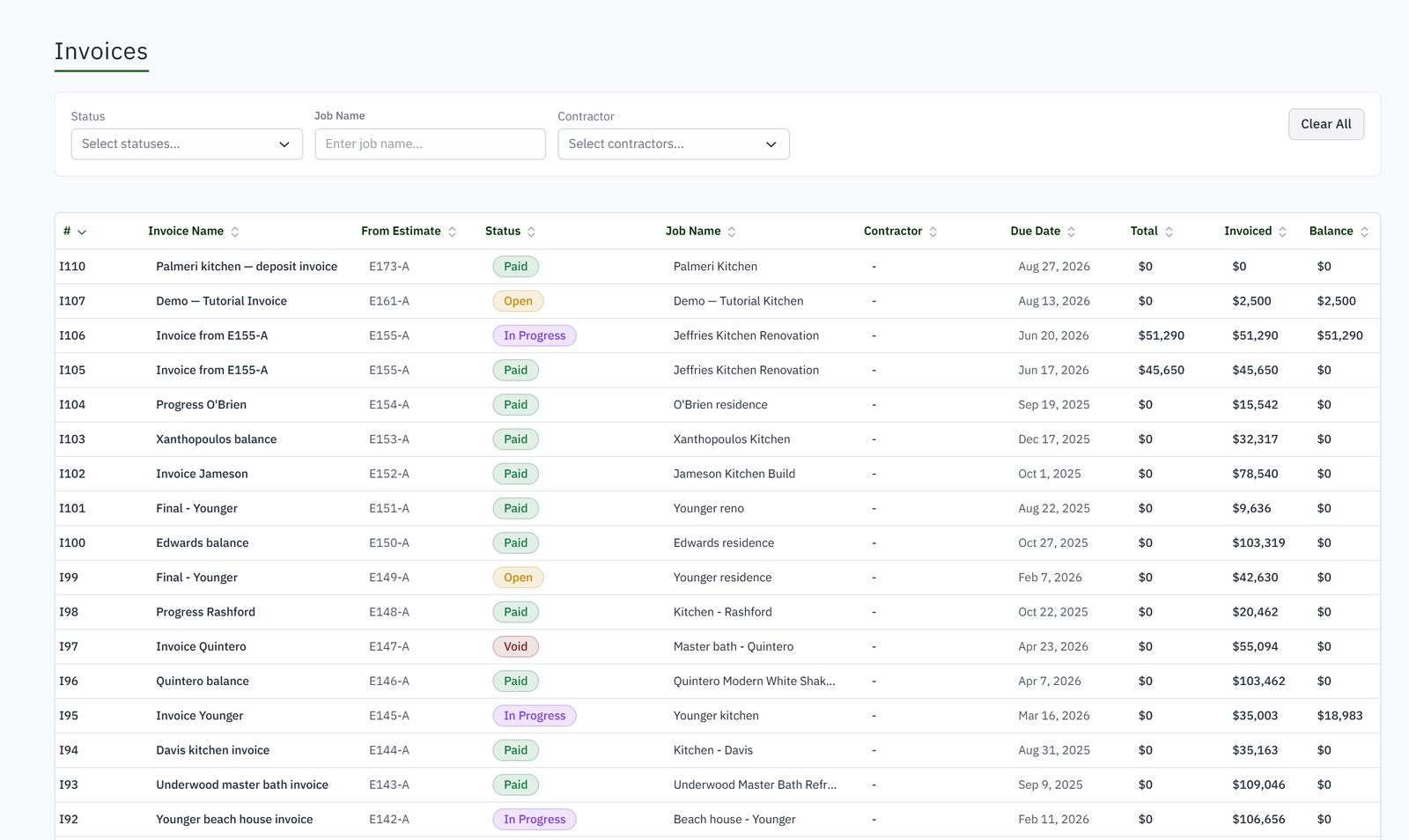
Invoices are recreated in accounting.
Payments recorded in QuickBooks do not reach the project balance.
Existing customers are accidentally duplicated.
Sync failures provide too little context to fix them.

Run the project workflow in Woodsystems and exchange supported financial records with the accounting ledger deliberately.
Authorize the company through QuickBooks Online without giving Woodsystems the accounting password.
Set required tax and product mappings where the ledger needs an explicit account decision.
Send supported invoices, payments, customers, and eligible hours automatically or on demand.
Bring supported QuickBooks changes and payments back so operational balances stay current.
No. Woodsystems runs the job; QuickBooks stays the ledger.
Customers, invoices, payments, products and tax codes both ways, estimates in from QuickBooks only, and tracked hours to payroll.
Every night, and on demand from the QuickBooks tab. Problems are listed there with the record and the reason.
Yes. Customers, estimates, invoices and payments can be imported from QuickBooks Online so the history is on the jobs from day one.
Supported through IIF export.
No. Customers are linked by name and email, and an ambiguous match is left for you to decide rather than guessed.