
Configure the device
Set the kiosk mode and departments so each physical location shows the right workers and work.
The crew gets a clear answer to "what do I work on next?" while the office gets current labor and production status.
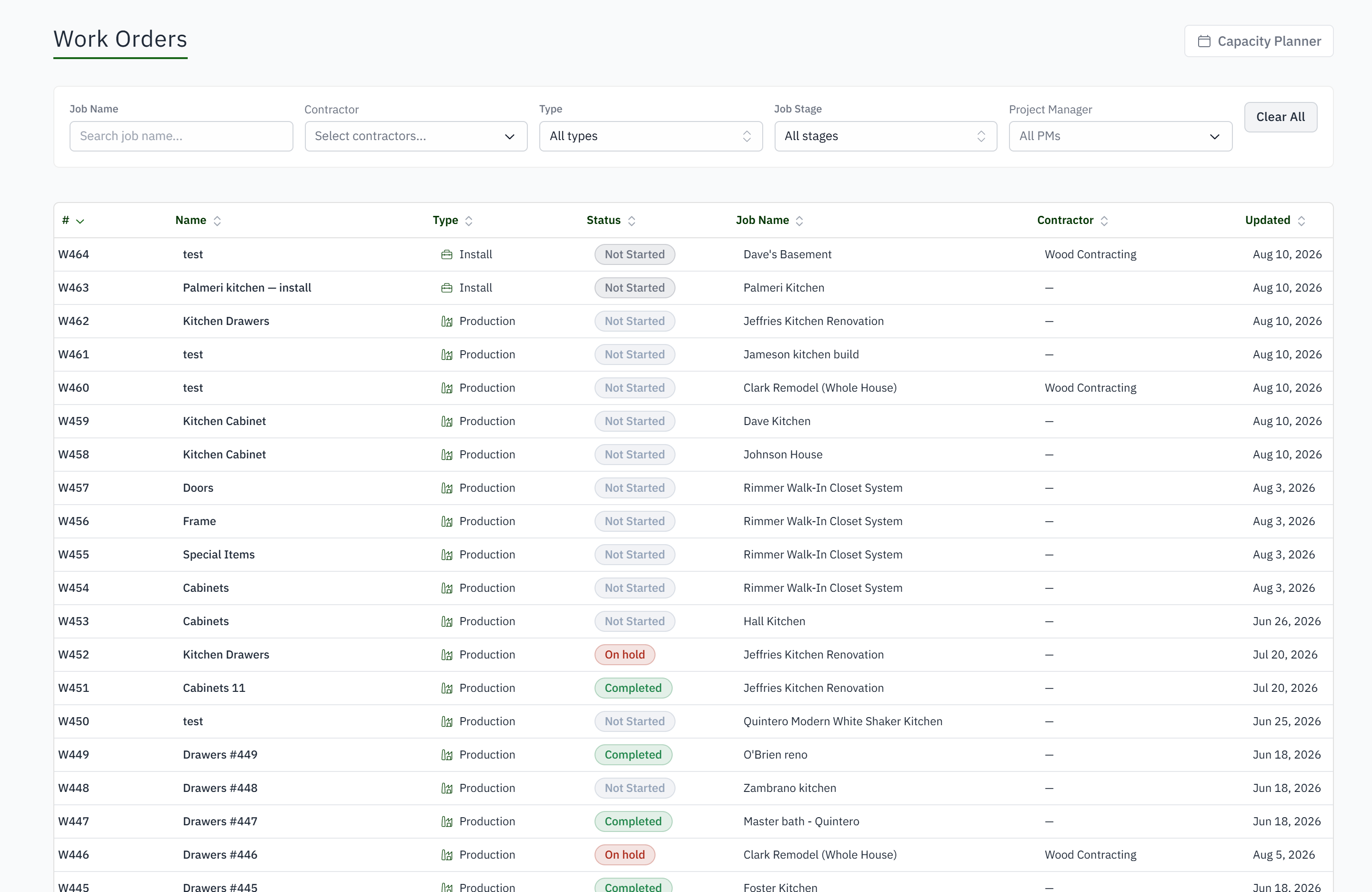
For production managers who need worker updates without putting estimates, invoices, or margin on the floor.
Full ERP screens are too broad for a shared production tablet.
Status updates wait for a supervisor to reach the office.
Work instructions and progress live in different places.
Labor is disconnected from the phase or work order.
The crew updates work where it happens. The office sees the result without another status meeting.
Set the kiosk mode and departments so each physical location shows the right workers and work.
Workers select themselves and enter a personal PIN on a shared tablet or wall screen.
Open jobs or work orders, review phases and checklists, record progress, and clock time at the point of production.
Progress and hours return to the job, costing, reporting, and management views without a second status-entry process.
The Shop tab and the Floor view: which work orders are at which step, who is on them right now, and a live feed of activity as it happens.
A work order type is a template of steps. Finishing a step on the tablet moves the work order to the next one; the office can move it too, and the section keeps its template rung.
Yes. A label on the work order or the part carries a QR code and a short code. Scanning it at a department's tablet starts or finishes that department's step.
When somebody works on something outside the week's plan, the reason is recorded, so the plan and the actuals can be compared honestly.
No. The tablet shows the work, the steps and the drawings. Estimates, invoices and margins never appear on it.
Departments and teams are configured once. Each tablet is bound to a department, and each work order type says which departments its steps belong to.