
Start from a type
Use reusable work-order types for production, delivery, installation, or another process your shop repeats.
Give production a clear build sequence while the office sees what started, what finished, who worked on it, and what comes next.
For production and project managers replacing paper travelers and verbal releases.
Scope reaches the floor without a repeatable build sequence.
Dates and crew assignments live outside the production record.
Checklist completion is invisible until someone asks.
Labor hours lose the phase and work-order context that makes them useful.

Work orders translate customer scope into phases, dates, checklists, crews, and hours without carrying prices onto the floor.
Use reusable work-order types for production, delivery, installation, or another process your shop repeats.
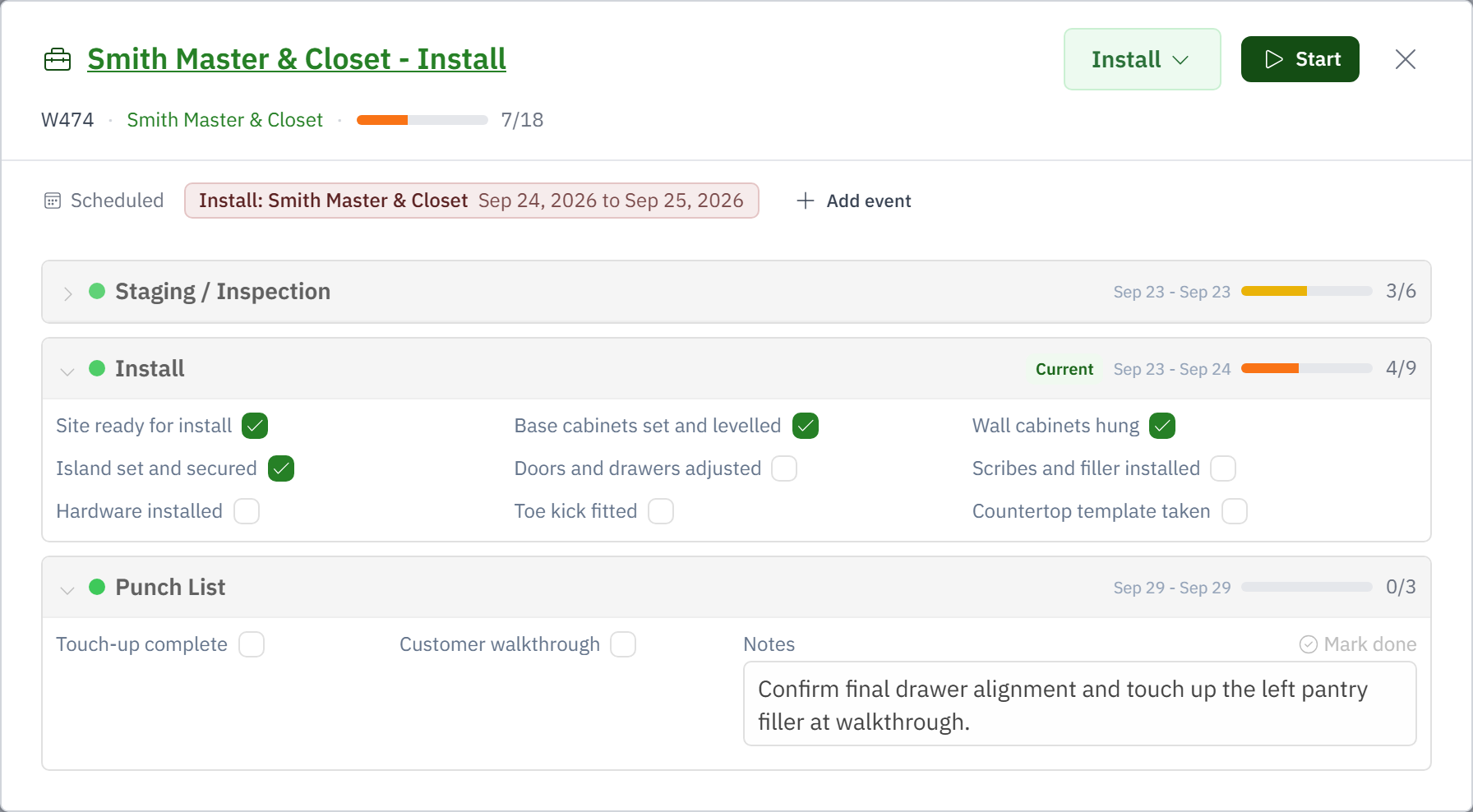
Give each phase dates, responsible people, and the checklist that defines done.
Workers open the current phase, complete items, record progress, and attach their labor to the work.
Phase movement, completion, and time stay on the job for costing and future planning.
Work order types: production, delivery, install, or any repeatable process. Each type is a template of steps in your colours, with a switch for whether it counts against capacity.
Its current step. Finishing a step at the tablet, or moving it in the office, takes the work order to the next step on the template.
When the job is released. Production work orders are then placed on the week board; prep and install work orders carry their dates from creation.
A worker's punch on the tablet stamps the work order's current step, so every hour lands on a work order and rolls into job cost at the loaded rate.
Yes, when manufacturing is in your setup: a bill of materials per work order, reservations against stock, and consumption as parts are pulled.
Yes. Install work orders open in the native app with their steps, checklist, drawings and photo capture.